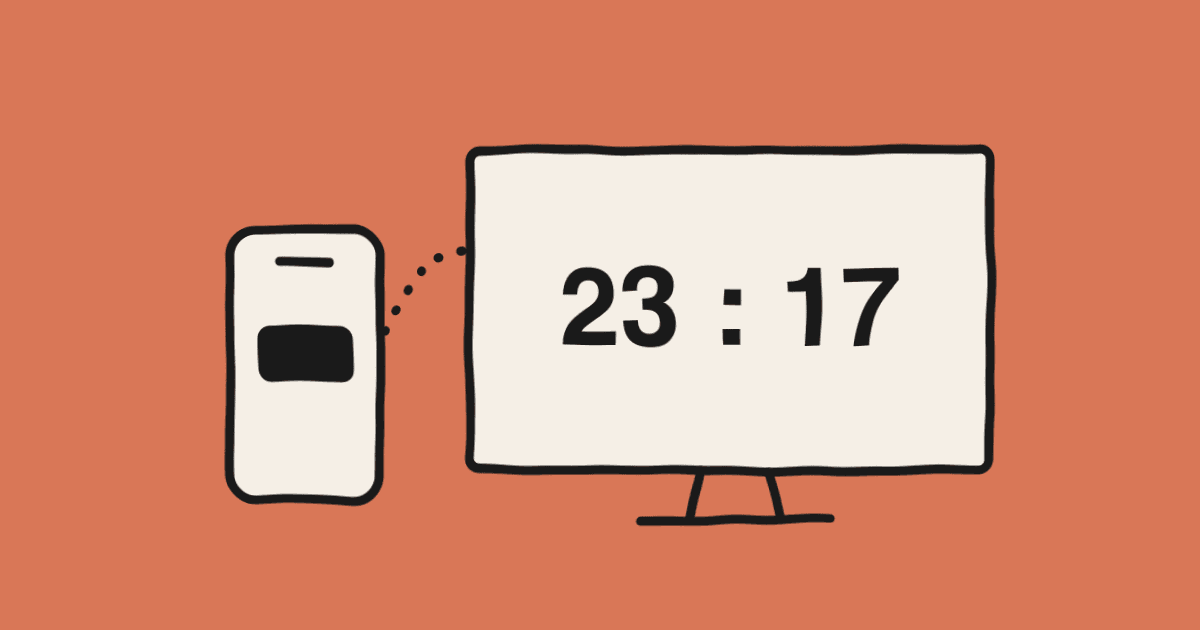
How to Put a Live Scoreboard on a Gym TV in Five Minutes
Ten minutes before tip-off, somebody asks "who's keeping score today?" and the answer is usually a sigh and a sheet of paper. By the third quarter, players are shouting "what's the score?" from the far end of the court. Meanwhile there's a perfectly good TV bolted to the wall that nobody thinks to use.
Turning that TV into a scoreboard takes a phone and a Wi-Fi connection. No app to install, no account to create. Here's the exact order we use at club games.
You need three things
- A phone to keep score on. Any iPhone or Android that opens a browser.
- A screen for the scoreboard. A smart TV with a browser, a tablet on a stand, or a laptop plugged into a TV or projector over HDMI. Any one of these works.
- Internet on both. Mobile data is fine for the phone. Only the screen needs the gym Wi-Fi or a hotspot.
Step 1: Create the game on your phone
Open livescoreboard.io and tap Try it now for free. The controller opens right away. You'll keep this page open for the whole game, so if you do this regularly, add it to your home screen and next time it starts like an app.
Step 2: Open the scoreboard on the big screen
At the top of the controller there's a Share Scoreboard panel with a QR code and a link. Pick whichever suits your screen.
- Tablet, or a smart TV with a camera app: scan the QR code and you're done.
- Smart TV browser: type the short link shown under the QR code.
- Laptop over HDMI: open the link in the laptop's browser, then mirror or extend the display. Mac and Windows both treat a projector as a second monitor.
- Apple TV or Chromecast: open the link on a phone or laptop and mirror it with AirPlay or Cast.
The viewer connects the moment it loads. It doesn't matter that the phone is on mobile data and the TV is on gym Wi-Fi. The two devices never talk to each other directly; each one talks to the server.
Step 3: Go fullscreen and stop the screen from sleeping
Tap Fullscreen on the viewer. On a tablet, also turn off auto-lock in the settings. The page asks the browser to keep the screen on, but some TV browsers ignore that request, and thirty seconds of checking now beats a black screen in the second quarter.
Landscape works best. The scoreboard scales to fill the screen, so a 32-inch TV at the baseline is readable from the opposite end of a club court.
Step 4: Score from your phone
Score, clock, period, fouls, timeouts, shot clock: everything you tap on the controller shows on the screen within a second. The clock is calculated from server time, so even if the Wi-Fi hiccups, the phone and the TV never show different times. If the screen loses its connection it shows a Reconnecting badge and catches up when it's back.
Things we learned after a few games
Two controllers are easier than one. Share the controller link with the person next to you and let one run the clock while the other keeps score. Both phones edit the same game, so there's still only one scoreboard.
Test the Wi-Fi before tip-off. Open the viewer on the actual TV for thirty seconds. If the gym Wi-Fi is unreliable, a phone hotspot is plenty; the viewer barely uses any data.
Wrong tap? Just fix it. Tapped +3 instead of +2? Tap −1 on the controller and the screen shows the corrected score.
Set the period length before you start. The default is 10 minutes. Change it in the Timer section, then start the clock, and the display shows the right time from the first second.
Take the result photo at the end. When you end the game you can generate an image with the final score and the game time. Post it in the team chat and nobody has to ask what the final was.
If something goes wrong
- The TV browser shows a blank page. Older TV browsers can't run modern JavaScript. Switch to a laptop over HDMI or mirror from a phone.
- The clock looks a second behind. That's the TV's display lag, not the scoreboard. Most TVs have a "game mode" that reduces it.
- The screen went dark. It locked. Turn off auto-lock, or set the screen timeout to "never" for the game.
Once you've done it once, it genuinely takes under five minutes. Retire the sheet of paper today.
最后更新: