Remote-controlled Scoreboard for Basketball Clubs
Update scores on your phone. See them instantly on a fullscreen scoreboard.
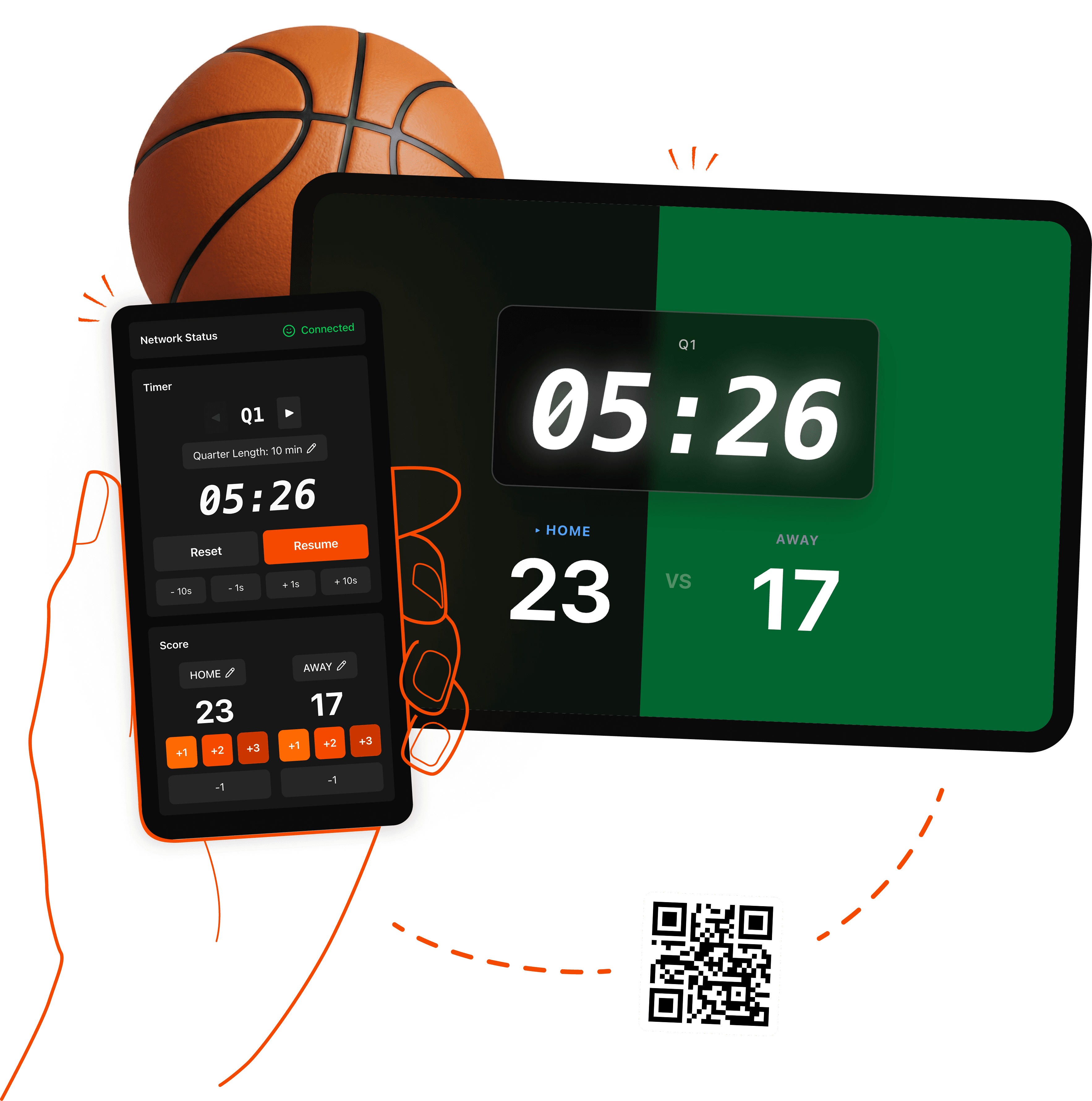
How it works
- 1Create a game.
- 2Share the scoreboard via a QR code or link.
- 3Use your phone as a remote. Every tap updates the scoreboard instantly ⚡
Everything you need to run a game
Your phone is the remote
Score, clock, period and fouls from a phone browser. Fix a wrong tap right on the spot.
Any screen is the scoreboard
Tablet, smart TV or projector. Anything with a browser connects by QR code.
Full basketball rules
Shot clock, team fouls with bonus, timeouts. All of it free.
Real-time, accurate clock
Every tap shows instantly. Server-anchored, so screens never drift.
No install, no sign-up
Start from a link. Add it to your home screen and it feels like an app.
Result photo
Share an image with the final score and game time.
Guides
Shot Clock, Team Fouls and Timeouts: What Your League Actually Uses
The clock, shot clock, bonus and timeout numbers for FIBA, NBA and 3x3 basketball in one table, plus how to set each one on a scoreboard before tip-off.
Five Free Online Scoreboards, Tested for Amateur Basketball
KeepTheScore, ScoreLeader, Score Cast, BT Basketball Scoreboard and LiveScoreboard compared for one situation: a basketball game where one person scores on a phone and everyone else watches a screen.

Keeping Score With a Phone: How Clubs Run Pickup Games and 3x3 Tournaments
A practical routine for scoring amateur basketball on a phone: who does what, the two-minute pre-game check, fixing mistakes mid-game, running several courts, and sharing the result.
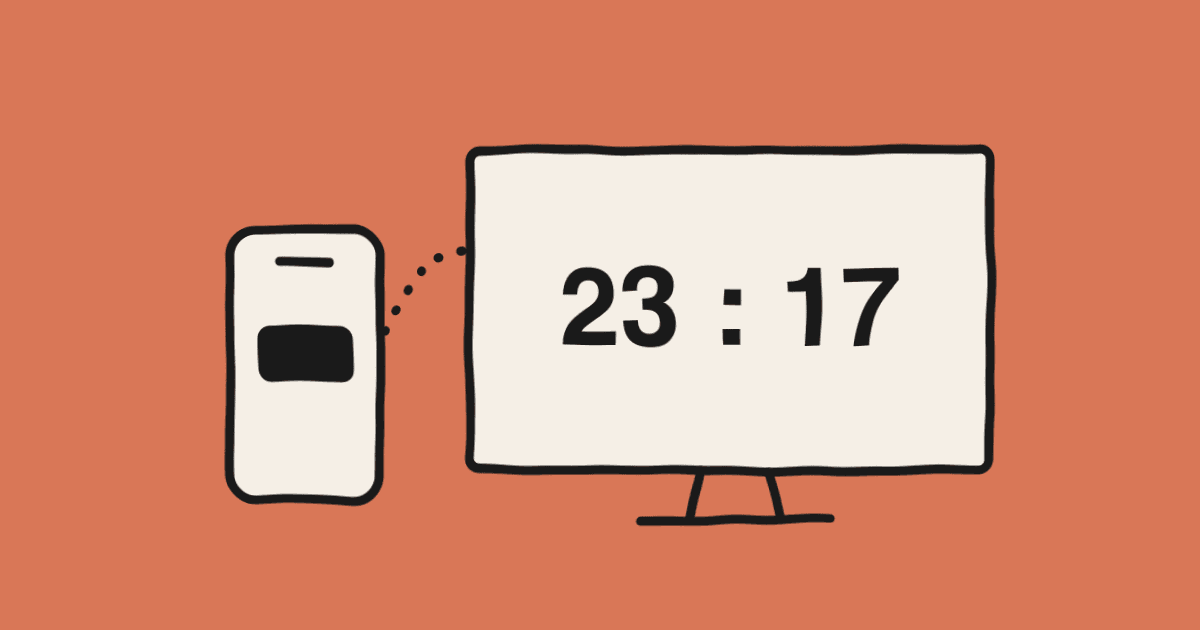
How to Put a Live Scoreboard on a Gym TV in Five Minutes
Turn the TV already hanging in your gym into a real basketball scoreboard, controlled from a phone. What you need, the connection steps, keeping the screen awake, and what to do when the Wi-Fi is flaky.
Frequently asked questions
Is it really free?+
Yes. Score, clock, shot clock, fouls, timeouts and every other game-day feature are free. Only team management extras are planned as paid.
Do I need to install an app?+
No. Both the controller and the scoreboard run in a browser. You can add it to your home screen to use it like an app.
What can I show the scoreboard on?+
Anything with a modern browser: an iPad, an Android tablet, a smart TV browser, or a laptop plugged into a projector over HDMI.
Does it support shot clock, team fouls, bonus and timeouts?+
Yes. Open the Shot Clock and Fouls & Timeouts sections on the controller; the scoreboard shows them alongside the score.
How does the scoreboard stay in sync with the controller?+
Every change goes through the server and shows on the scoreboard right away. The clock is computed from server time so devices never drift, and the display reconnects automatically if the connection drops.
Can several people control the same game?+
Yes. Share the controller link and any phone can score the same game.